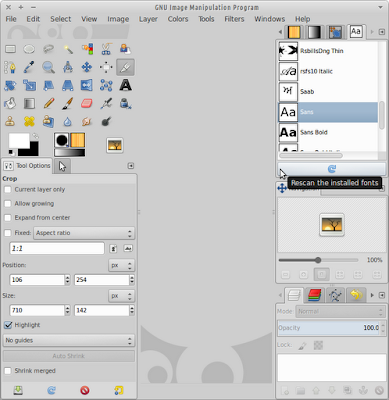
[HOW TO] Tablet pressure sensitivity in Gimp

To get pressure sensitivity, open the "Configure Input Devices" dialog ( Edit > Input Devices ) and then set the mode for each tablet device (usually there're 3: stylus, eraser and cursor|touch) to Screen . Related Posts Install GIMP 2.8 in Xubuntu 12.04 (ppa) [HOW TO] Xcf thumbnails for Nautilus in Xubuntu 12.04 Enable Single-Window Mode in Gimp 2.8