[HOW TO] Openraster (*.ora) thumbnails for Nautilus in Xubuntu 12.04
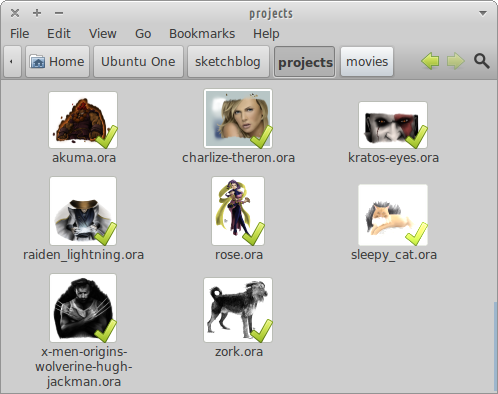
OpenRaster is a file format proposed for the common exchange of layered images between raster graphics editors. It is the default working file format for MyPaint , and it's also supported by application such as GIMP and Krita . Install I created a simple python script (adapting this one , written by David Revoy) that creates the file thumbnail, then all it's needed is the thumbnailer to call the script. Open a terminal window and run: wget -q http://goo.gl/cbXjm -O- | sudo tee /usr/local/bin/openraster_thumbnailer.py wget -q http://goo.gl/nlODH -O- | sudo tee /usr/share/thumbnailers/openraster.thumbnailer sudo chmod +x /usr/local/bin/openraster_thumbnailer.py Related Posts Video Thumbnails for Nautilus in Xubuntu 12.04 Xcf thumbnails for Nautilus in Xubuntu 12.04 References OpenRaster at Wikipedia Krita kra file thumbnailer for Gnome,Nautilus (Linux)