[TIP] Open Directory In Guake from Thunar

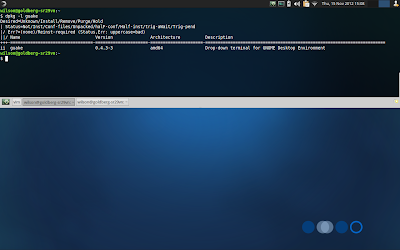
In this article we'll see how to change the working directory in Guake terminal from Thunar's context menu. Install Add a custom action in Thunar with the following contents: Name: Open Guake Here Command: guake -n NEW_TAB && guake -e "cd %f" && guake -t File Pattern: * Appears if selection contains: Directories Note: This UCA has one problem; if Guake is already visible it'll will hide it. That's because of the --toggle-visibility option.