[HOW TO] Install Gcolor2 (color picker) in Xubuntu
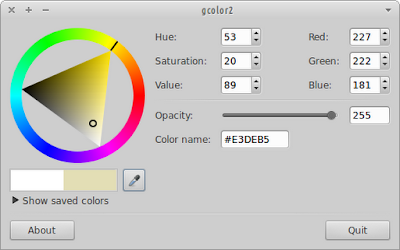
Usually the color picker tool from graphics applications don't allow color picking outside the program. So Gcolor2 becomes useful because it allow to pick a color anywhere within the desktop. Gcolor2 running on Xubuntu 12.04 Install Open a terminal window and run: sudo apt-get install gcolor2 -y Usage Gcolor2 can be accessed via Applications Menu > Graphics > Gcolor2 or typing the following command: gcolor2 . References gcolor2 - GTK+2 Color Selector